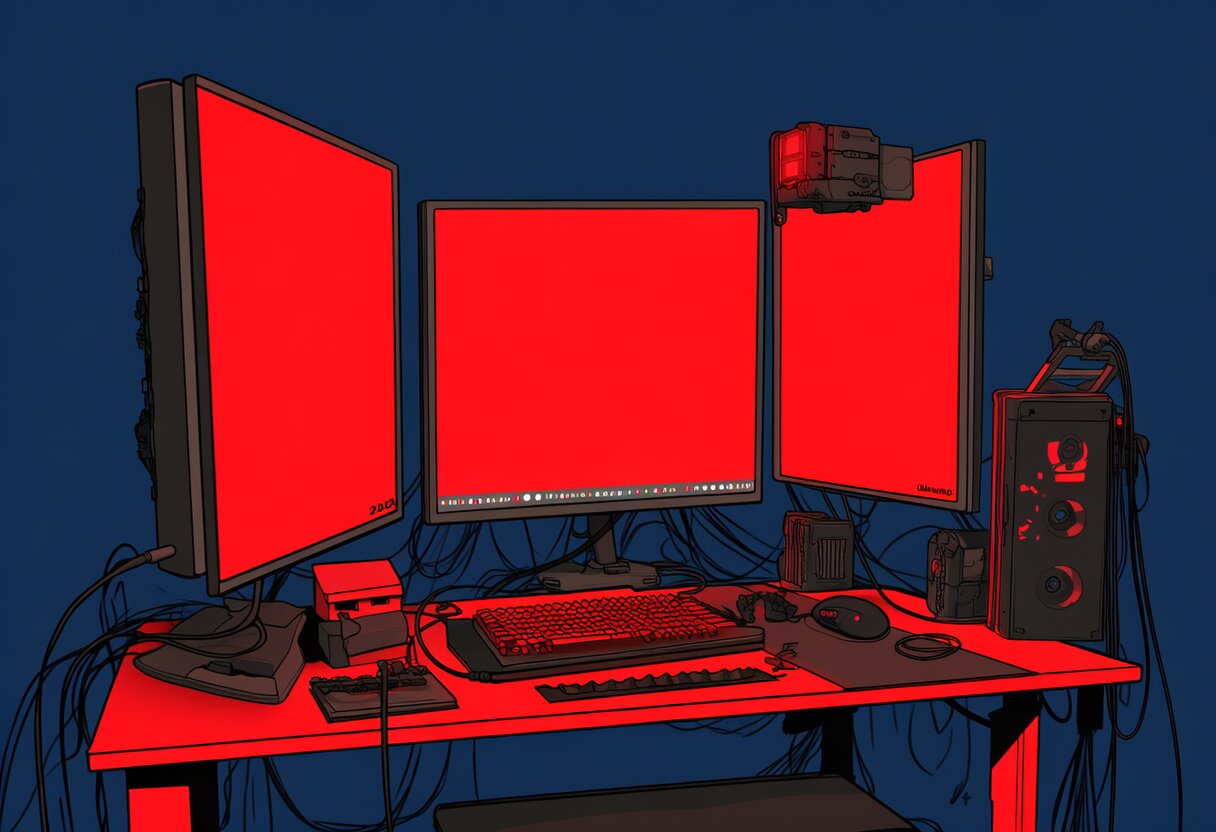
The best PC gaming setup 2026 has to offer goes beyond the PC itself. Your desk, monitor position, peripherals, cable management, and lighting all affect your gaming experience. A well-designed setup reduces fatigue, improves performance, and looks great on stream.
This guide covers every component of a gaming setup — from budget to premium — with specific product recommendations and setup tips.
Already have the PC? See our best gaming PC guide. Building from scratch? See our build guide.
The Desk: Foundation
Your desk is the foundation of your gaming setup. It determines how much space you have, how your monitors are positioned, and how comfortable you are during long sessions.
- Type: Electric sit-stand
- Size: 60″ × 30″ (152 × 76cm)
- Height Range: 24.4″-50″ (62-127cm)
- Weight Capacity: 355 lbs
- Price: $350 / €380+
The FlexiSpot E7 Pro is the best gaming desk because it’s a sit-stand desk. Alternating between sitting and standing reduces back pain by 50% and improves focus. The 60″ width fits dual monitors with room for a full-size keyboard and mouse pad. The 30″ depth gives your monitors proper viewing distance.
Budget Gaming Desk: IKEA Fredde
- Type: Fixed height
- Size: 63″ × 29.5″ (160 × 75cm)
- Features: Monitor shelf, cable management tray, cup holder
- Price: $200 / €190
The IKEA Fredde is the best budget gaming desk. The built-in monitor shelf raises your screen to eye level. The cable management tray hides wires. The cup holder prevents spills. At $200, it’s the most gaming-specific desk for the price.
Desk Size Guide
| Setup | Minimum Desk Width | Minimum Desk Depth |
|---|---|---|
| Single monitor + keyboard | 48″ (120cm) | 24″ (60cm) |
| Dual monitor + keyboard | 60″ (152cm) | 28″ (71cm) |
| Ultrawide + keyboard + stream deck | 60″ (152cm) | 30″ (76cm) |
| Dual monitor + stream setup | 72″ (183cm) | 30″ (76cm) |
Monitor Setup
Monitor Arm: Ergotron LX Desk Mount
- Price: $180 / €200
- Weight Capacity: 3.2-20 lbs
- Adjustment: Height, tilt, swivel, rotate (portrait mode)
A monitor arm is the single biggest upgrade for your setup. It frees desk space, lets you position your monitor at the perfect height and angle, and enables portrait mode for chat/docs. The Ergotron LX is the gold standard — smooth adjustment, solid construction, and 10+ year lifespan.
Monitor Positioning
- Height: Top of screen at or slightly below eye level
- Distance: Arm’s length (20-26 inches from eyes)
- Tilt: Slightly back (10-20°) to reduce neck strain
- Dual monitors: Primary centered, secondary at 30° angle
Dual Monitor vs Ultrawide
| Setup | Pros | Cons | Best For |
|---|---|---|---|
| Dual 27″ 1440p | More total space, portrait mode, cheaper | Bezel in the middle, more cables | Streaming, productivity |
| 34″ Ultrawide 1440p | No bezels, immersive, cleaner | Less total space, no portrait | Gaming, single-task |
Our recommendation: Dual 27″ monitors if you stream or multitask. Ultrawide if you primarily game.
Keyboard and Mouse
Keyboard: Wooting 60HE+
- Price: $175 / €190
- Switches: Lekker L60 (analog, magnetic)
- Features: Rapid Trigger, per-key RGB, hotswap
The Wooting 60HE+ is the best gaming keyboard in 2026. The analog Rapid Trigger feature sends key-up signals the instant you start releasing a key — 30-50ms faster than mechanical switches. This is a measurable competitive advantage in CS2, Valorant, and osu!.
Mouse: Logitech G Pro X Superlight 2
- Price: $160 / €175
- Weight: 60g
- Sensor: HERO 2 (44K DPI)
- Switches: Lightforce (optical-mechanical hybrid)
The Superlight 2 is the most used mouse in competitive FPS. At 60g, it’s light enough for effortless flicks and tracking. The HERO 2 sensor has zero smoothing, zero acceleration, and zero angle snapping — pure 1:1 tracking.
Mouse Pad: Artisan Hien Soft XL
- Price: $65 / €70
- Size: 490 × 420mm
See our best gaming mouse pad guide for full details. The XL size gives you room for low-sensitivity aiming without running out of pad.
Audio Setup
Headset: HyperX Cloud III Wireless
- Price: $150 / €165
- Battery: 120 hours
- Connection: 2.4GHz USB dongle + Bluetooth
The Cloud III Wireless is the best wireless gaming headset. 120-hour battery means you charge it once every 2 weeks. The 2.4GHz connection has less latency than Bluetooth. The DTS spatial audio provides effective directional sound for FPS games.
Desktop Speakers: Logitech G560
- Price: $200 / €220
- Features: RGB synced to games, DTS:X surround, Bluetooth + USB
When you don’t want a headset on, the G560 provides room-filling sound with RGB that reacts to your game. The DTS:X surround is effective for immersion. See our best gaming speakers guide for more options.
Microphone: HyperX QuadCast S
- Price: $140 / €155
- Type: USB condenser
- Features: 4 polar patterns, tap-to-mute, RGB
The QuadCast S is the best USB microphone for gaming. Four polar patterns (stereo, cardioid, omnidirectional, bidirectional) handle any recording situation. The tap-to-mute sensor is faster than a button press. See our best gaming microphone guide for details.
Cable Management
Cable management is the difference between a setup that looks professional and one that looks like a rat’s nest. Here’s the system:
Step 1: Cable Tray Under the Desk
Mount a cable tray (IKEA Signum, $15) under your desk. Route all cables through this tray — power, USB, audio, display. This removes 80% of visible cables.
Step 2: Cable Sleeves and Clips
Group cables by type (power, USB, audio) in cable sleeves ($10 for a pack). Use adhesive cable clips ($8) to route cables along desk legs and monitor arms.
Step 3: Right-Angle Adapters
Use right-angle USB-C and DisplayPort adapters ($5 each) where cables connect to your monitor and PC. This lets cables run flush against the surface instead of sticking out.
Step 4: Wireless Where Possible
Use wireless peripherals (mouse, keyboard, headset) to eliminate the biggest cable offenders. Modern wireless has zero perceptible latency for gaming.
Total Cable Management Cost: ~$40
- Cable tray: $15
- Cable sleeves: $10
- Adhesive clips: $8
- Right-angle adapters: $7
Lighting
Monitor Backlighting: Philips Hue LightStrip Plus
- Price: $80 / €90
- Length: 2 meters (extendable)
Monitor backlighting (bias lighting) reduces eye strain by 30-50% and makes colors appear more vibrant. The Hue LightStrip connects to your smart home and can sync with PC games via Hue Sync. Set it to a warm white (2700K) for daily use, or sync it to games for immersion.
Desk Lighting: Nanoleaf Lines
- Price: $200 / €220 (9-panel kit)
- Features: RGBW, music reactive, screen mirror
Nanoleaf Lines are the best desk accent lighting. The hexagonal light panels mount on the wall behind your monitor. They react to music, mirror your screen colors, and create ambient lighting that makes your setup look professional.
Key Lighting Rule
Never game in a completely dark room. Bias lighting behind your monitor reduces eye strain and prevents headaches. Set your room lighting to 50% brightness — dark enough for immersion, bright enough for your eyes.
Budget vs Premium Setup
Budget Setup ($500 total, excluding PC)
| Component | Product | Price |
|---|---|---|
| Desk | IKEA Fredde | $200 |
| Monitor Arm | Amazon Basics Single | $30 |
| Keyboard | Keychron V-Max Q1 | $100 |
| Mouse | Logitech G305 Lightspeed | $50 |
| Mouse Pad | Corsair MM300 Extended | $30 |
| Headset | HyperX Cloud Stinger 2 | $35 |
| Webcam | Logitech C920s | $70 |
| Cable Management | IKEA Signum + clips | $25 |
Premium Setup ($2,000 total, excluding PC)
| Component | Product | Price |
|---|---|---|
| Desk | FlexiSpot E7 Pro (sit-stand) | $350 |
| Monitor Arm | Ergotron LX (×2) | $360 |
| Keyboard | Wooting 60HE+ | $175 |
| Mouse | Logitech G Pro X Superlight 2 | $160 |
| Mouse Pad | Artisan Hien Soft XL | $65 |
| Headset | HyperX Cloud III Wireless | $150 |
| Microphone | HyperX QuadCast S | $140 |
| Webcam | Elgato Facecam MK.2 | $150 |
| Speakers | Logitech G560 | $200 |
| Lighting | Philips Hue + Nanoleaf | $280 |
| Cable Management | Full kit | $40 |
Frequently Asked Questions
What do you need for a PC gaming setup?
Essentials: Desk, monitor, keyboard, mouse, headset, and mouse pad. Upgrades: monitor arm, sit-stand desk, streaming microphone, webcam, speakers, and lighting. Start with essentials and upgrade over time.
How much does a good gaming setup cost?
$500 for a budget setup (desk, basic peripherals). $1,000 for a mid-range setup (wireless peripherals, monitor arm). $2,000 for a premium setup (sit-stand desk, streaming gear, lighting). All excluding the PC itself.
Is a sit-stand desk worth it for gaming?
Yes. Alternating between sitting and standing reduces back pain by 50%, improves focus, and extends your gaming sessions. Stand for 15-30 minutes every hour. The FlexiSpot E7 Pro at $350 is the best value sit-stand desk.
How do I manage cables in my gaming setup?
Mount a cable tray under your desk ($15), group cables in sleeves ($10), use adhesive clips ($8), and switch to wireless peripherals where possible. Total cost: $40 for a clean setup.
What’s the most important upgrade for my setup?
A monitor arm. It frees desk space, positions your monitor at the correct height (reducing neck strain), and enables portrait mode. The Ergotron LX at $180 is the best upgrade you can make for under $200.
Conclusion
The best PC gaming setup in 2026 starts with the right desk (FlexiSpot E7 Pro for sit-stand), proper monitor positioning (Ergotron LX arm), quality peripherals (Wooting 60HE+, Superlight 2), and clean cable management ($40). Budget setups start at $500; premium setups reach $2,000.
Upgrade in order of impact: monitor arm → sit-stand desk → wireless peripherals → cable management → lighting. Each upgrade improves comfort, performance, or aesthetics — and they compound over time.
Complete your setup: